ZZettarack
JEWM(Just Enough Window Manager) · in testing

Just enough window manager.

A simple, powerful, modern Linux window manager, built INTO the machine from the ground up. One small program draws everything on the screen: the bar, the menus, the windows, your machines and the lock.

It is the desktop of both appliances: what you see on a vmx, where your machines are the desktops, and on a zxp, where your pools are. Written in Rust for Wayland, and better with every release.

Get jewm
jewm on a vmx: the New machine window open over the fly-through, the machine arch behind it
capture · jewm on a vmx, a window over the fly-through
01 · tinyOne 20 MB program

The compositor, the bar, the menus, every window, the fly-through, the lock and screensaver, and a VNC server: one program, with no X11 and no desktop environment under it.

02 · woven inYour machines are its windows

Each machine fills the screen at its own resolution, with your keys going straight to it, and a Linux machine hands its frames over on the GPU. No viewer window, no web console.

03 · modernRust and Wayland

Memory-safe code, drawn by the GPU, on the display system Linux is moving to. It talks to the graphics card and the input devices directly.
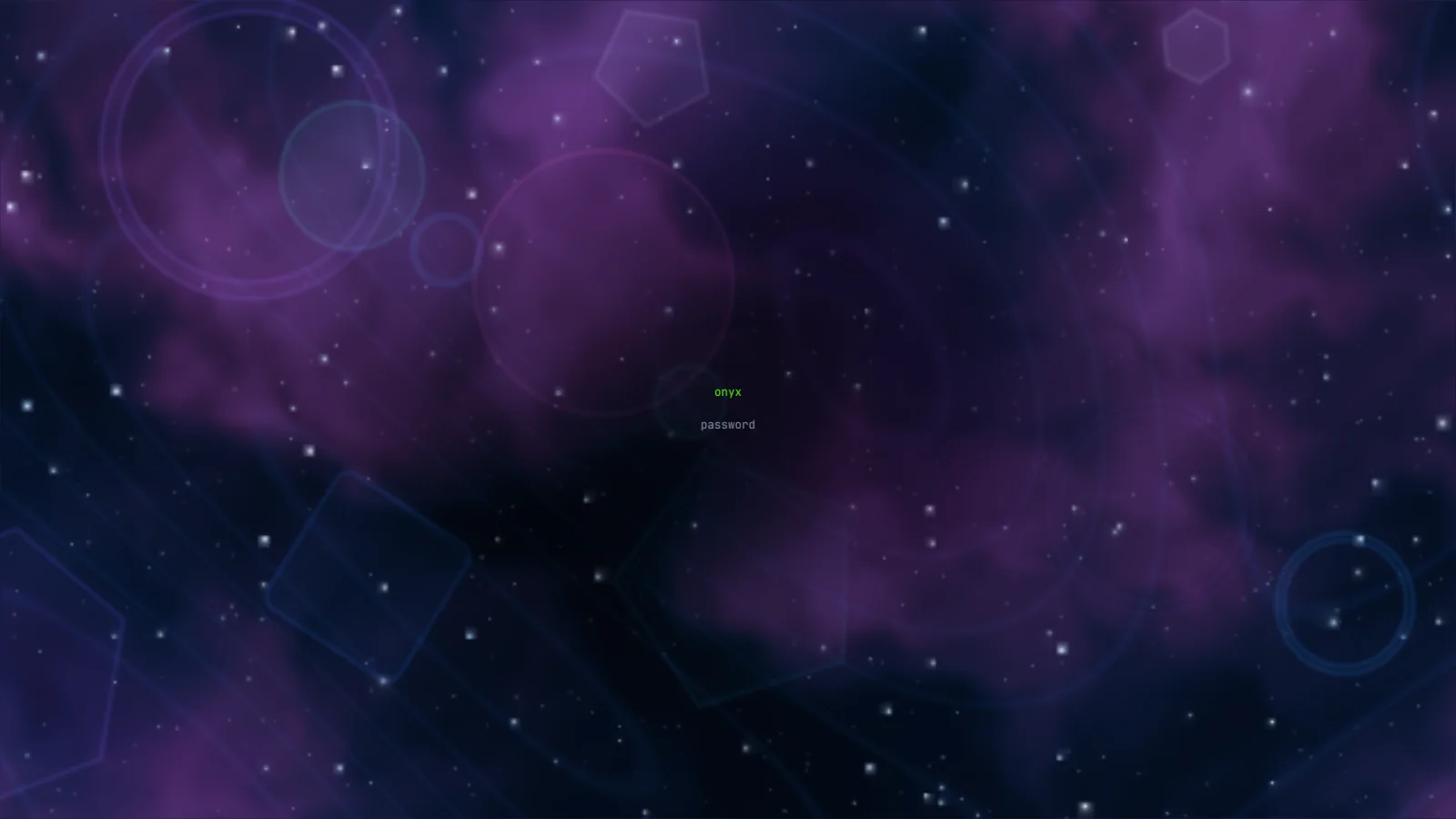
jewm's lock: the Deep space scene, stars, shapes, a veil and a nebula, with the machine's name and the password prompt in the middle
the lock, Deep space
stop 1 · the ideawhat a compositor is

What is a compositor?

Every program on a Linux desktop draws its own window, into a piece of memory of its own. Something has to decide where each one goes, which is in front and which one your keys and mouse belong to, and then put them all together into the one picture your monitor shows. That something is the compositor.

On the old X11 desktop the job was split three ways: an X server, a window manager and a compositor, each its own program. On Wayland, the modern way, it is one program. jewm is that program.
Programs and machines
each draws its own picture
jewm
places them, puts them together, sends your keys
Your screen
one picture, drawn by the GPU
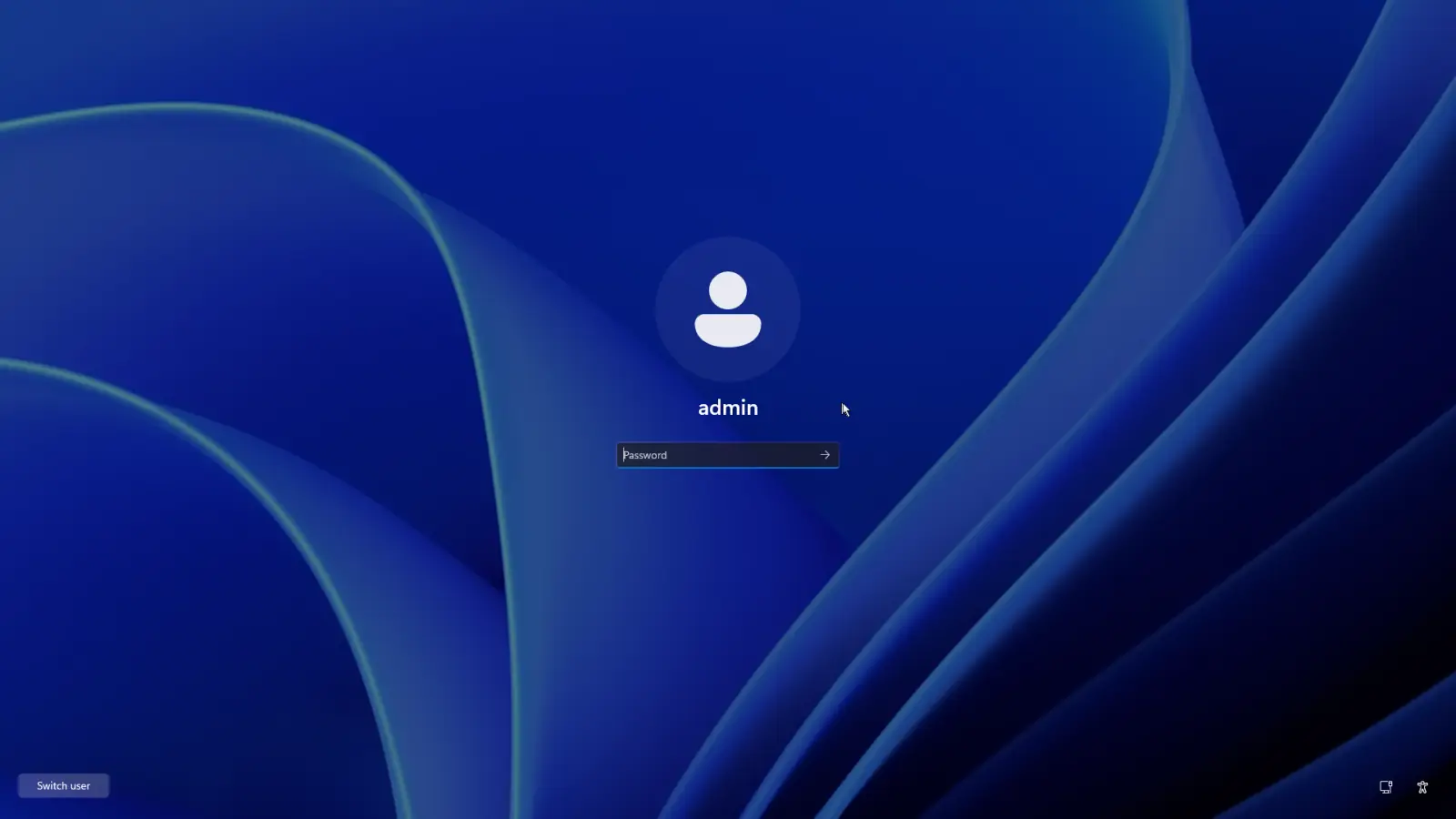
Windows 11 in a machine, playing a video
windows
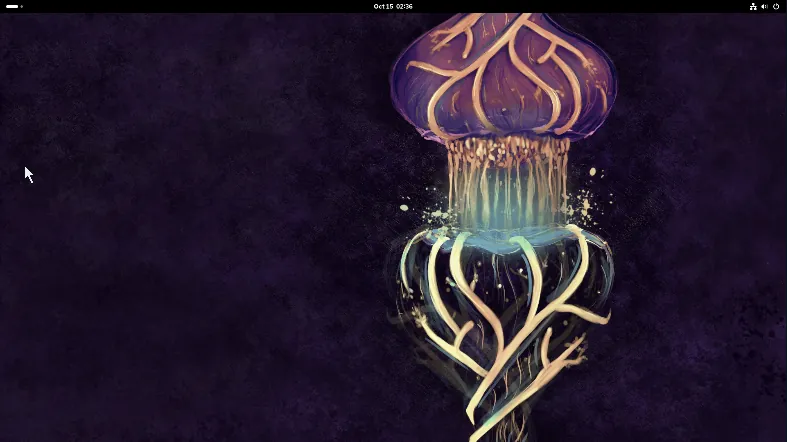
A GNOME desktop in a machine
gnome
CentOS Stream 10 with GNOME in a machine
centos-stream-10-desktop
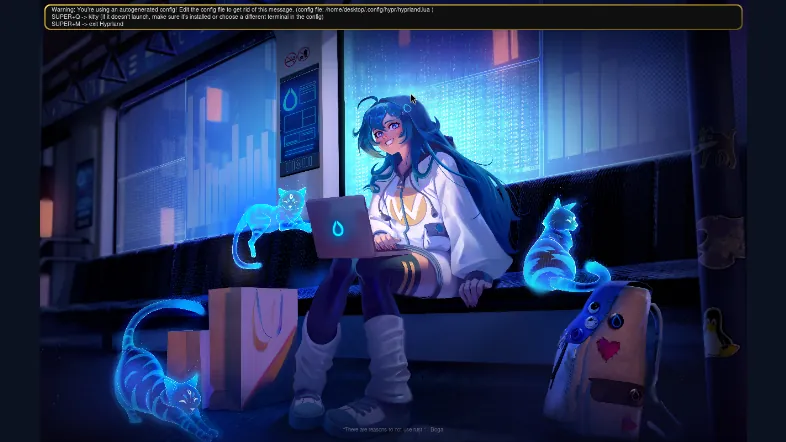
Arch Linux with Hyprland in a machine
arch
stop 2 · under the hoodhow it works

How it works

jewm starts as the machine boots and owns the screen from then on. It drives the graphics card and the monitor through the kernel directly, reads keys, the mouse and touch the same way, and draws every frame with the GPU.
Straight to the hardwareThe kernel's display and input interfaces (DRM, GBM, libinput), and nothing running under it.
Built on smithayThe Rust library for Wayland compositors. jewm adds its own bar, menus, windows and views on top.
Machines on the GPUA Linux machine with a virtio GPU hands each frame over as a GPU buffer, drawn straight to the screen at the screen's pace.
A daemon does the workNothing on the screen changes a machine by itself: every action is a call to the appliance's daemon, run as a job with its log.
Runs as youThe desktop is the console user's, never root's: the terminals it opens are yours.
Its own windowsForms, boards and dialogs are drawn by jewm itself, in the same light and dark palettes as everything else.
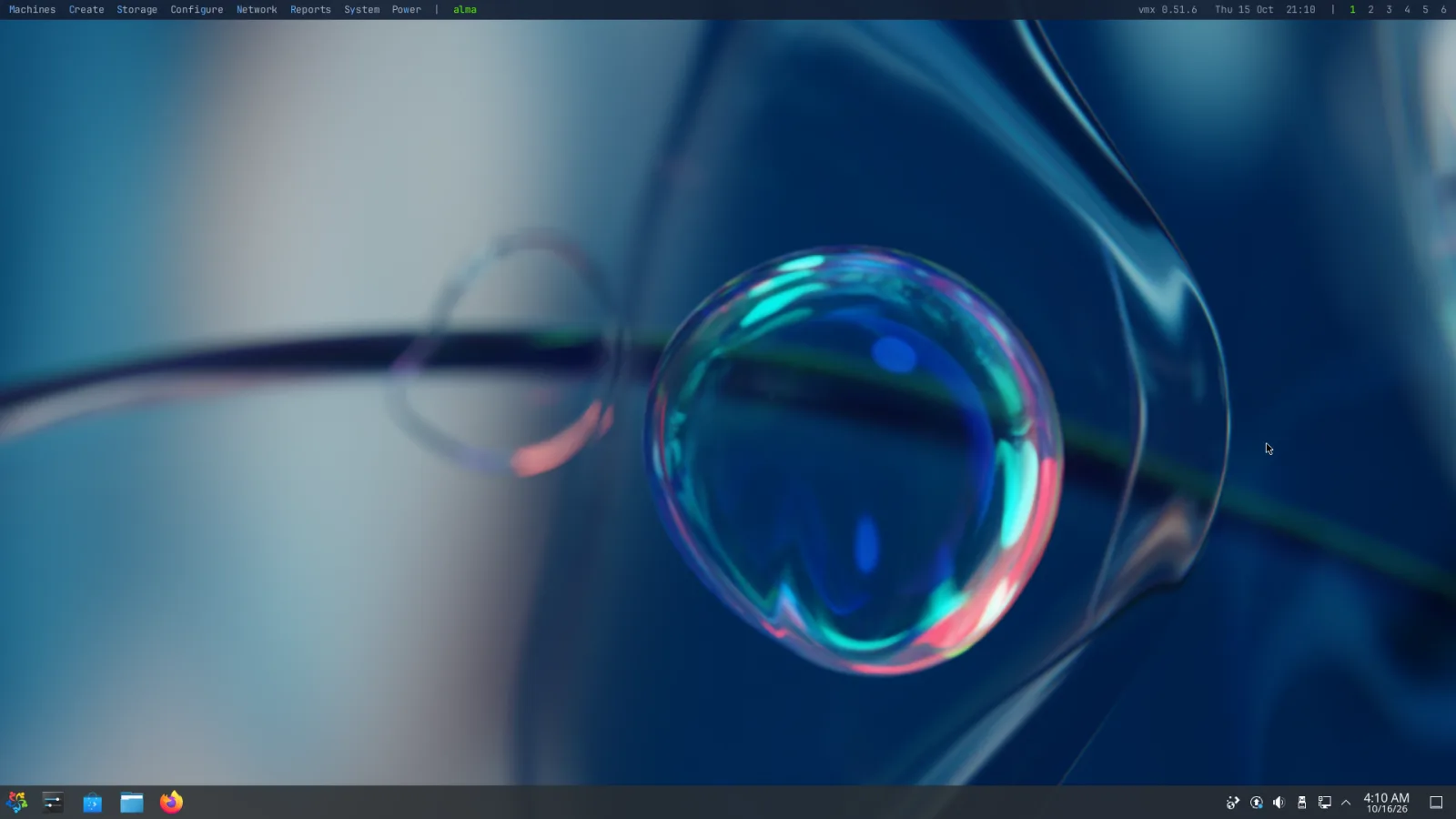
AlmaLinux 9 with KDE Plasma, full screen as desktop 1: the machine is the desktop, with only the bar above it
a machine as desktop 1
stop 3 · small on purpose20 MB

Everything on the screen, one program

jewm is one program of 20 MB. A whole desktop environment is a stack of programs and services to install and patch; jewm comes inside the appliance's signed system image, is upgraded with it, and goes back with it if an upgrade is undone.

compositorbarmenuswindows and forms fly-throughwallten desktopslock screensaverwallpaperinstaller screenVNC server
no X11no desktop environmentno web console
stop 4 · built infrom the ground up

It knows the machine it runs on

A general desktop runs your programs and leaves the rest to others: a viewer in a window for each virtual machine, a web page for the host. jewm is part of the appliance, so the machines, the pools and the system itself are on the screen as they are.
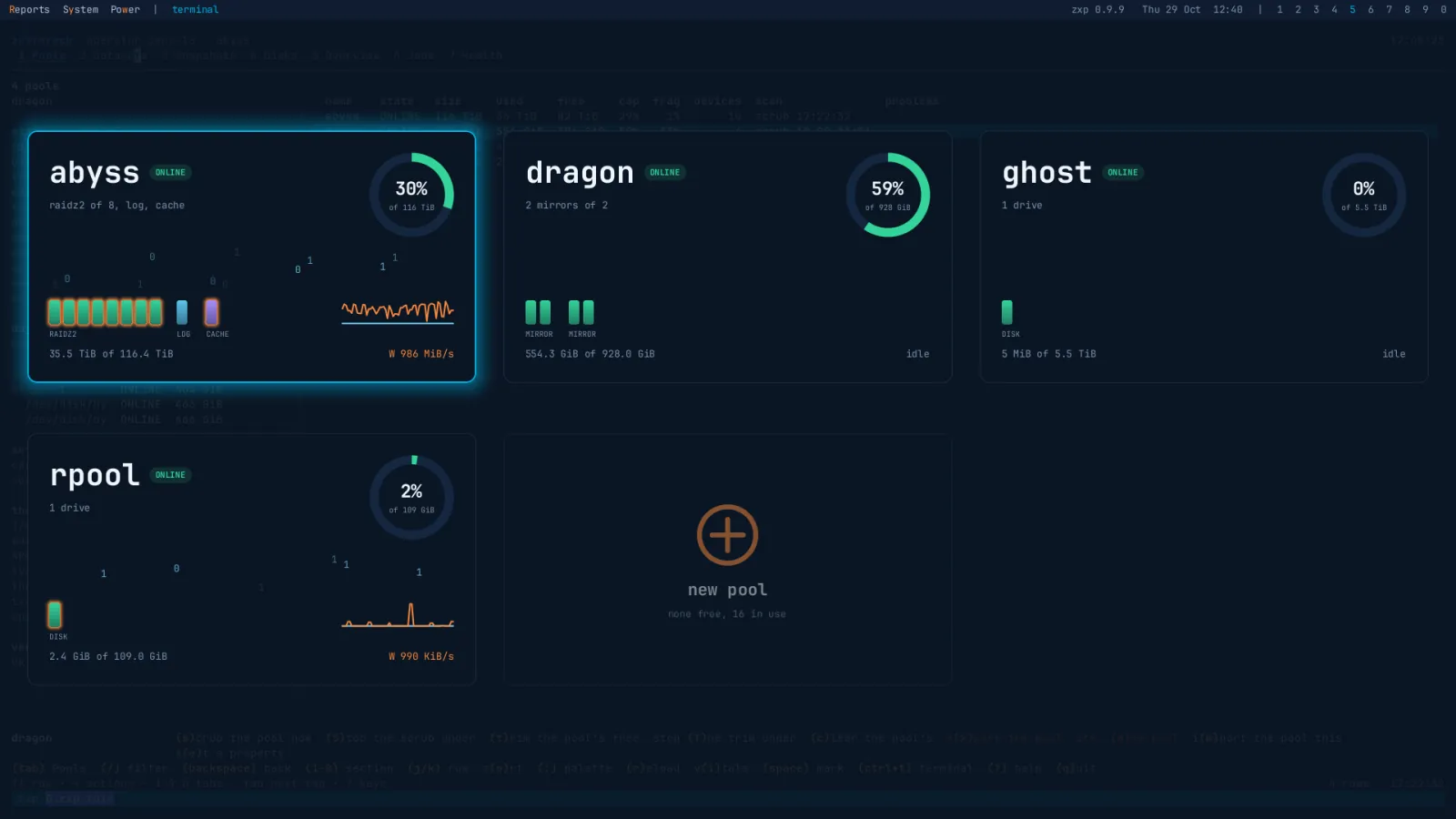
Machines are desktopsDesktops 1 to 4 are your running machines, 7 to 0 the ones you pin, 5 the console and 6 a terminal.
The bar is the machineEach desktop's machine by name, an upgrade waiting, and what went wrong while nobody was looking.
Hear the one you seeThe machine on screen plays its sound on the host; the others stay silent.
Paste on purposeText copied in a machine is yours to paste anywhere; nothing goes into a machine until you press Super+v.
It is the installer tooBooted from the installer medium, the same program is the installer's screen.
Each appliance its ownOn a zxp the same views fly through pools instead of machines, in zxp's red, with its own wallpaper and lock.
The pools wall on a zxp: four pools as cards, the chosen one edged in blue, and in zxp's ember what the busy pools wrote, their working drives' glow and the new pool's sign
the same views on a zxp: its pools
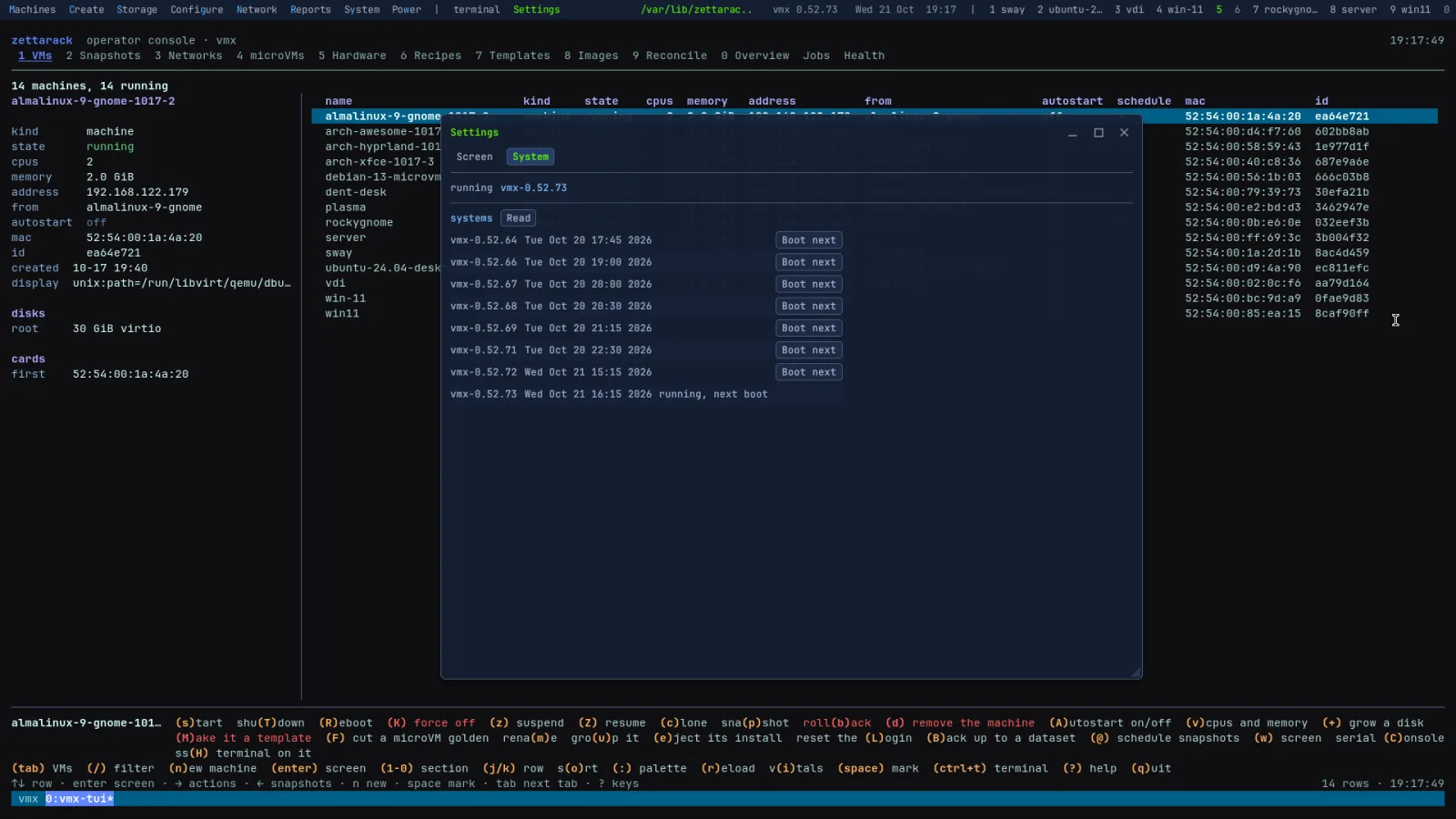
Settings, System, on a vmx: the system running, vmx-0.52.73, and the eight releases it can boot, each with Boot next, over the text console's machines
the systems it can boot, Boot next on any
stop 5 · a key awaythe bar

Everything a key away

The bar carries a menu for each part of the machine, each with a letter lit: Super and that letter opens it. On the right, the host's name, the time and the ten desktops, each with its machine's name: a map of where everything is. Over a machine the bar hides until the pointer touches the top edge.
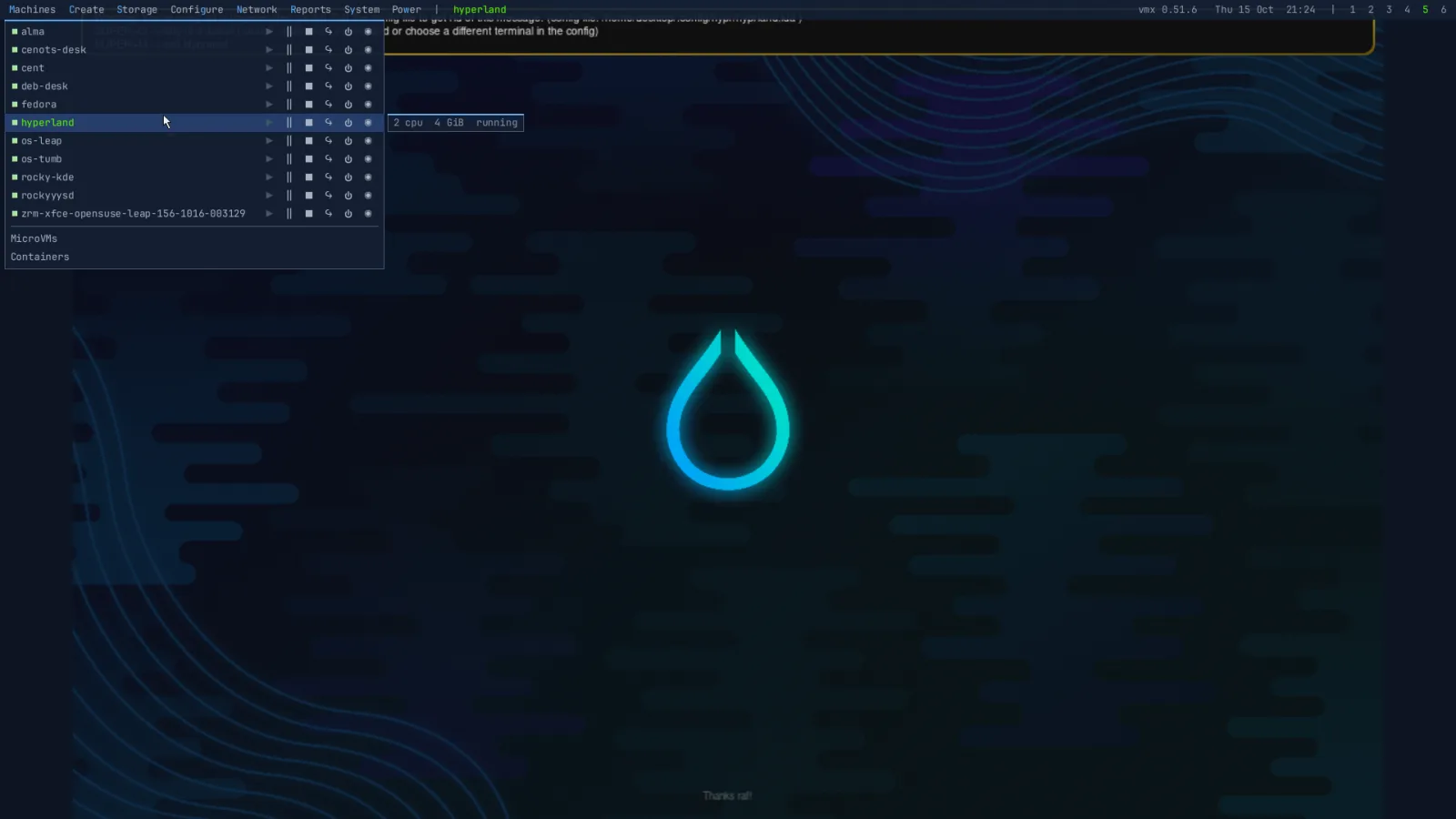
The bar's Machines menu over a running Hyprland machine: every machine with its controls beside it, and the microVMs and containers below
capture · the Machines menu over a machine
Super+mmachinesSuper+ysystemSuper+istatusSuper+/every keySuper+Entera terminalSuper+llock
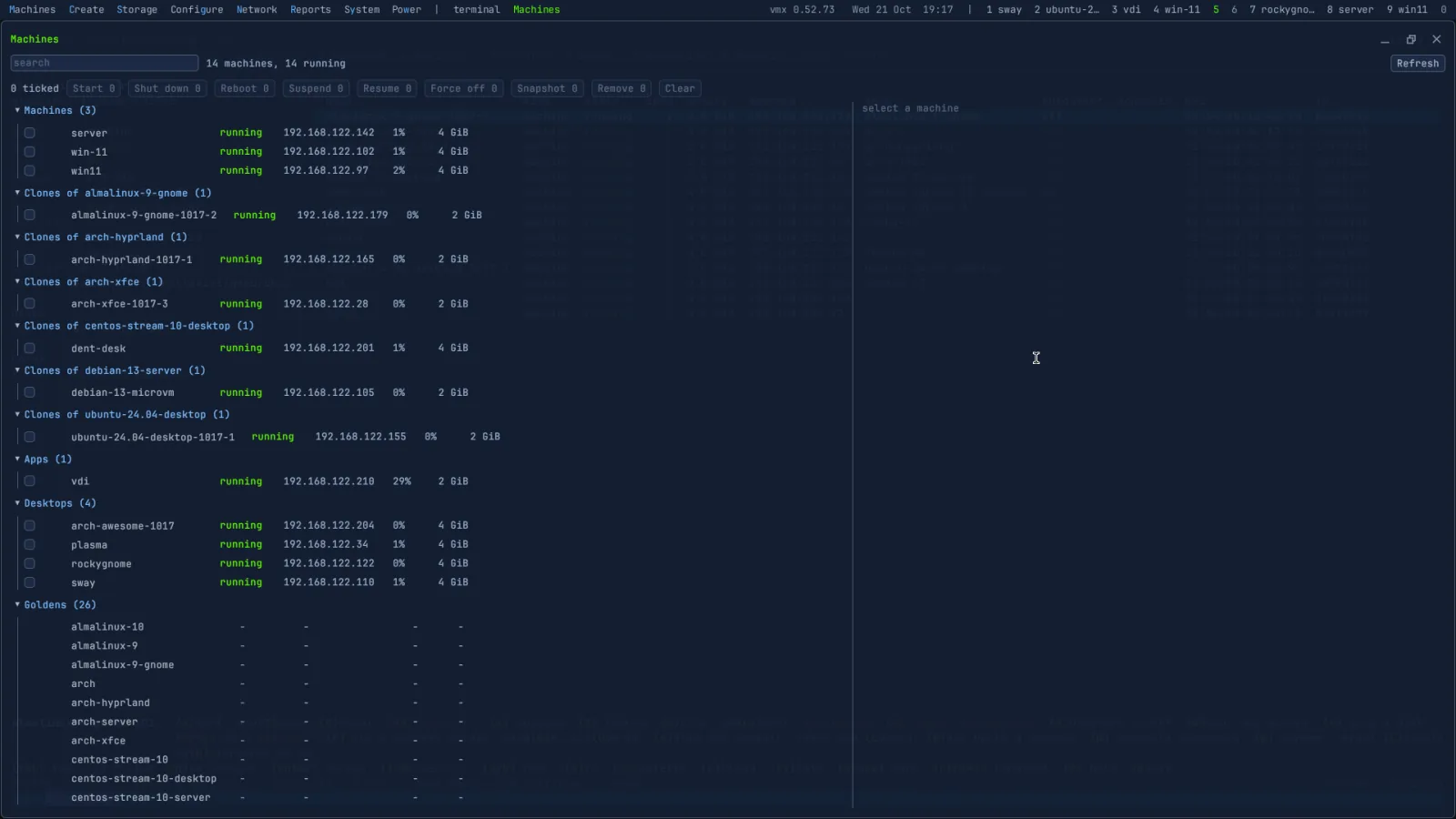
The Machines window on a vmx: fourteen machines running, grouped as machines, clones of each golden, apps, desktops and the goldens, each with its state, address, CPU and memory, and buttons to act on the ticked ones
the Machines window, fourteen running
stop 6 · two menusright click, Super+right click

The machine's menu, and yours

Over a machine, a right click is the machine's own: its desktop's menu, as if you sat at it. Hold Super and the right click is jewm's: everything you can do to that machine, without leaving it. Start, suspend, shut down, reboot, force off, snapshot, put it on a desktop, pin it, bring it back with the host or remove it. Both menus can be open at once, one for the machine and one for what runs it.

A Rocky Linux machine with GNOME, full screen on a vmx, with two menus open: GNOME's own right-click menu (Change Background, Display Settings, Settings) and jewm's menu for the machine (start, suspend, shut down, reboot, force off, snapshot, the desktops to put it on and pin it to, comes back with the host, remove)
capture · a right click, and a Super+right click, on one machine
right clickthe machine's menuSuper+right clickjewm's menu for itright click on a cardjewm's menu, in the fly-throughright click on the desktopa terminal, the console, Create
stop 7 · flythe fly-through and the wall

Fly through, or see them all

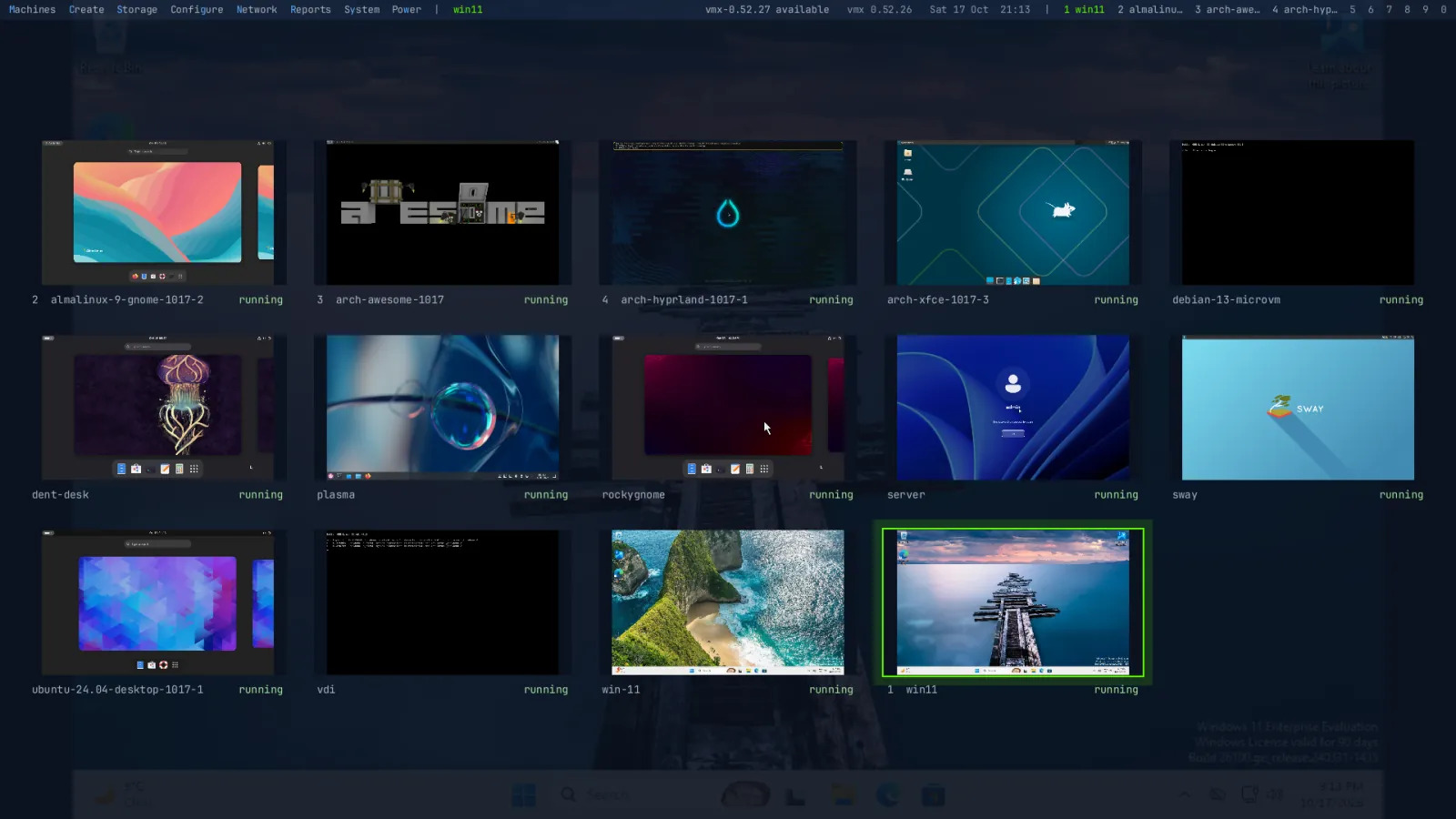
Tap Super and every machine is a card with its name, CPUs, memory, state and its screen, live: up and down to fly, Enter to go in. Tab lays them out as a wall, every screen at once. Tag several with Ctrl+Space and act on all of them together. This website flies the way the desktop does.
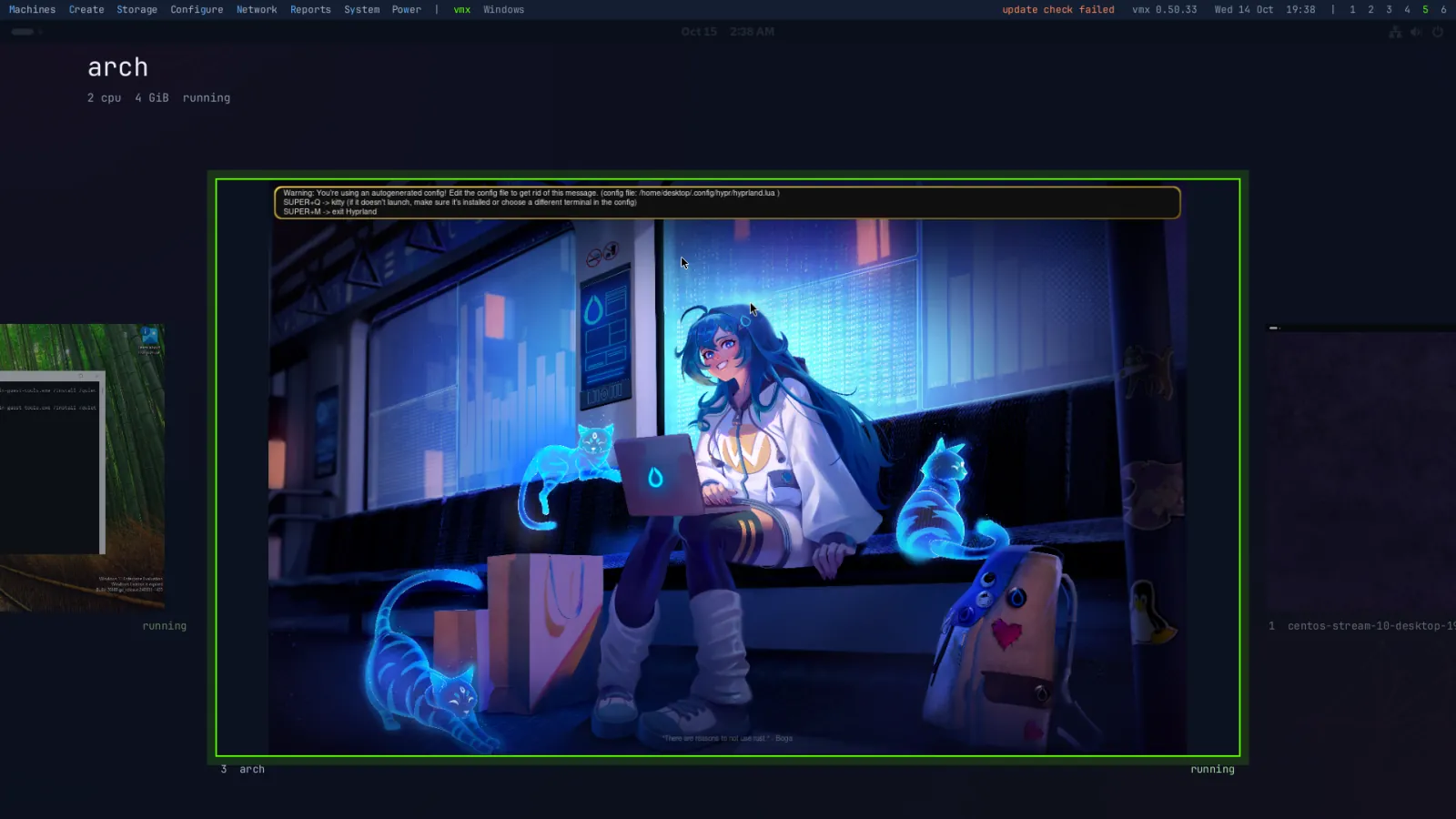
The fly-through: the machine arch in front with its name, CPUs, memory and state, Windows and CentOS Stream either side
capture · the fly-through
The wall: fourteen machines' screens at once, live
the wall, fourteen machines
stop 8 · windowsits own and yours

Windows, its own and yours

jewm's own windows, the forms, the boards and the reports, open centred, keep their size and say what went wrong in words. Programs' windows are framed the same way. Drag a title to move, an edge to size, Ctrl+Shift with an arrow to tile to a half or to maximise, and Alt+Tab reaches every window and machine, minimised ones too.

Three of jewm's own windows on a vmx, over the text console: Health, every check ok or skipped with what it found; Jobs, the last two done; and Events, with where they are pushed
capture · Health, Jobs and Events, side by side on a vmx
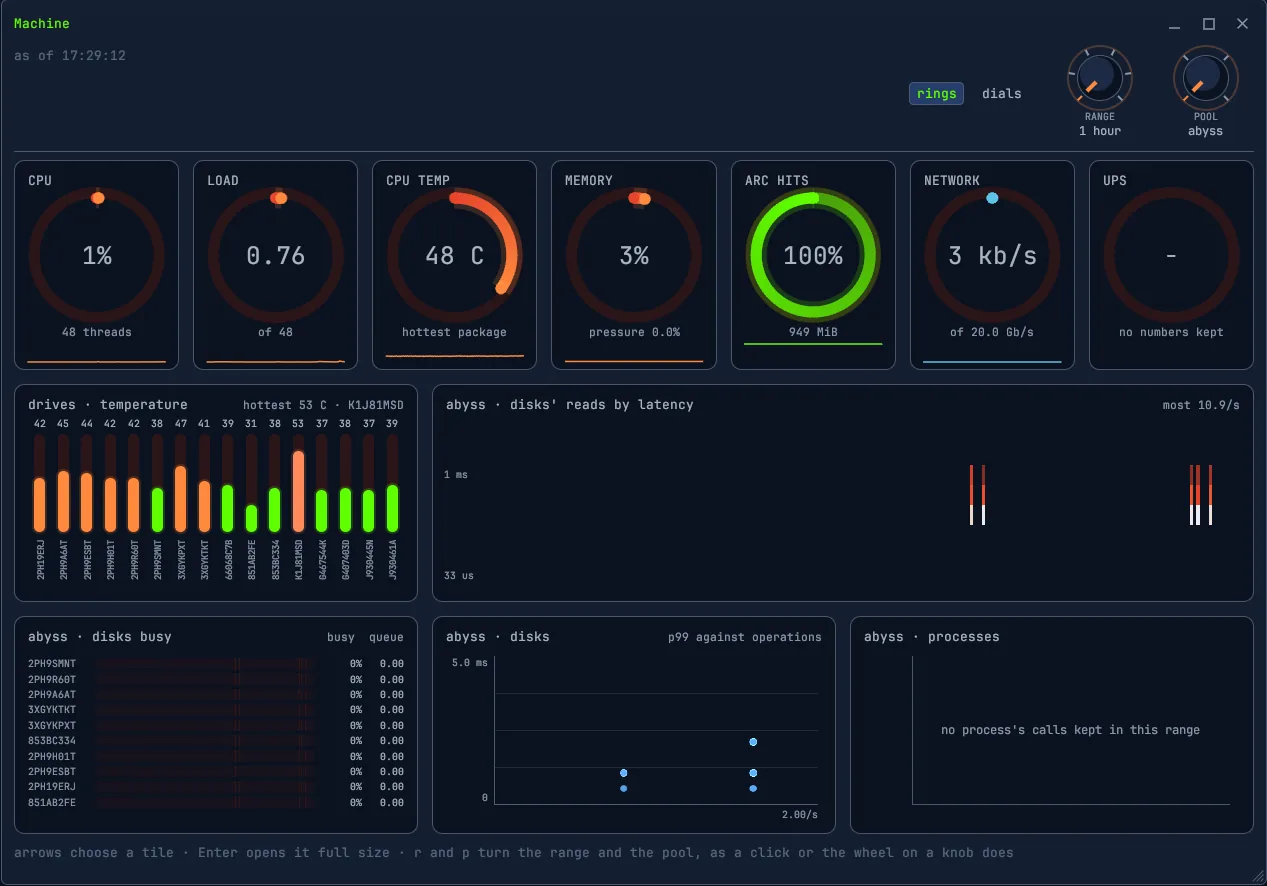
The Machine board on a zxp: CPU, load, temperature, memory, ARC hits, network and UPS as rings; every drive's temperature as bars
the Machine board
stop 9 · the locka scene of your own

A lock worth looking at

Super+l locks the screen behind a scene drawn by the GPU: up to twelve layers of nebulae, stars, galaxies, planets, a black hole that bends the light of every layer under it, warps, tunnels, comets, skies, ridges and skylines, or GLSL of your own. Nine presets to start from; the Screensaver window changes any of them and previews it over the whole screen. The password is the console user's, checked through PAM, and wrong guesses wait longer each time.

The Screensaver window: the nine presets as tabs, Skyline chosen, its palette, speed, detail and dim, and its three layers, skyline, stars and sky, each with its blend and opacity, and the cost, 1.11 of 3.0
capture · the Screensaver window, Skyline
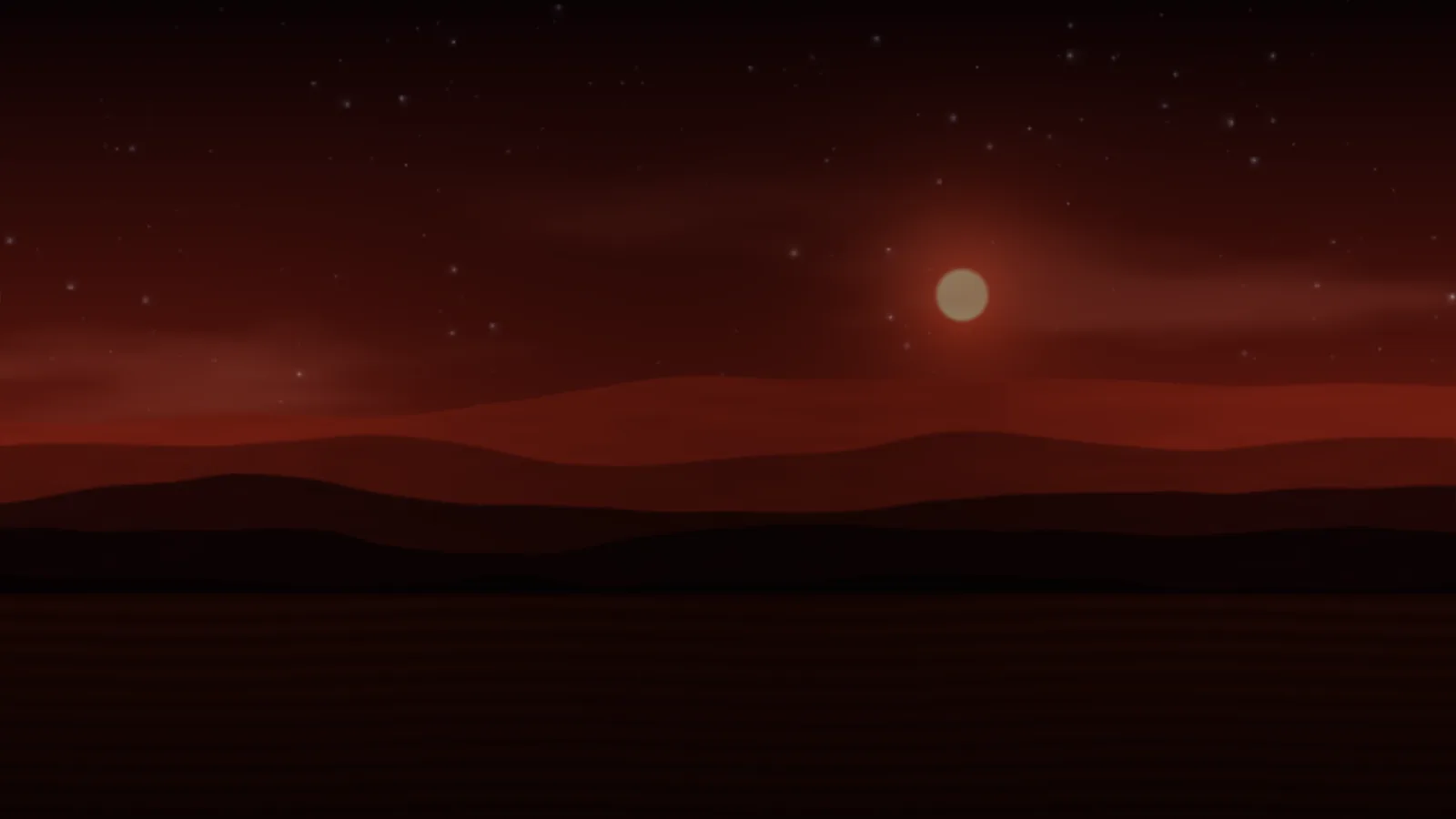
Ridgeline: ridges and still water under a red dusk, a low sun and stars
Ridgeline
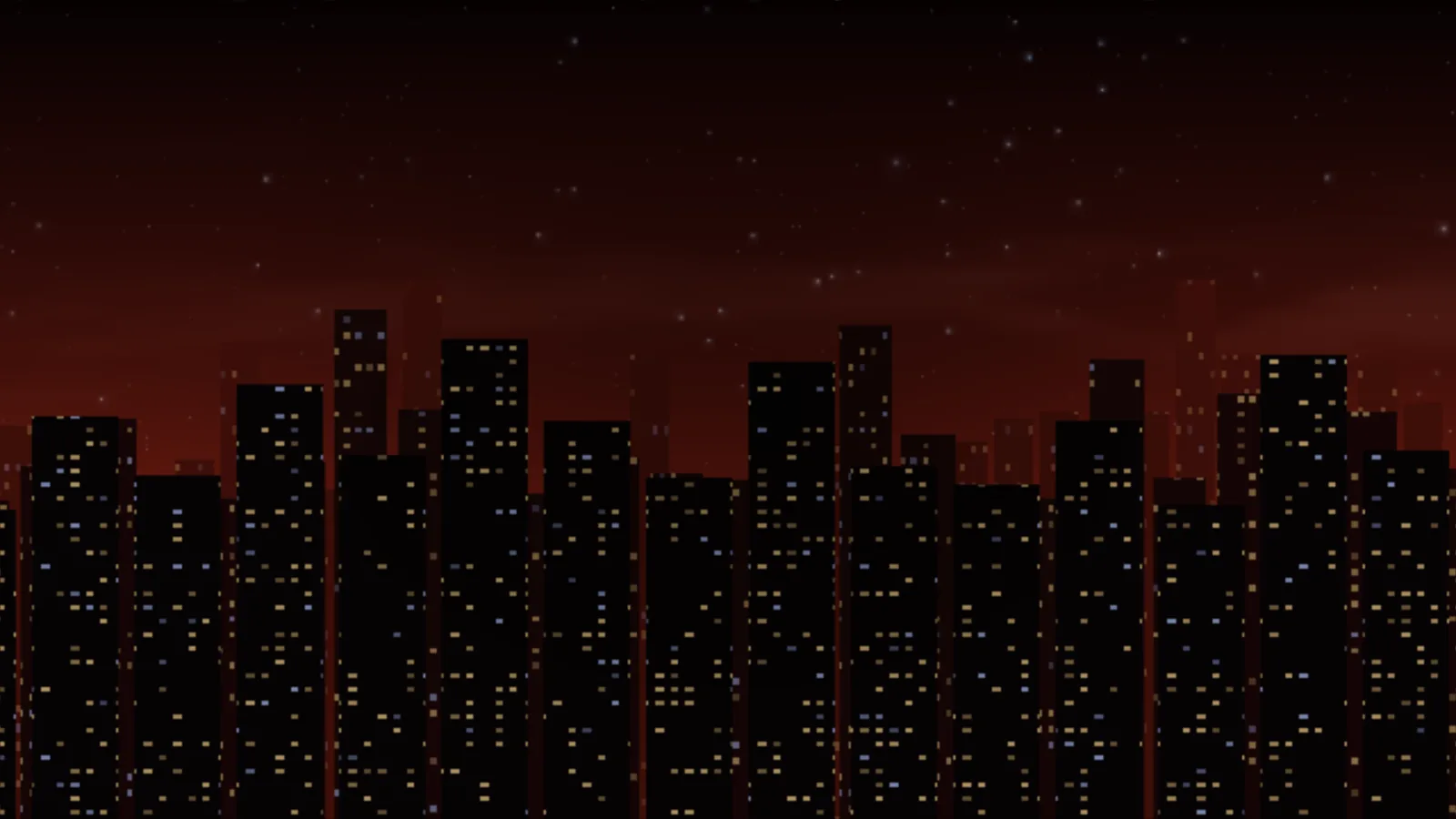
Skyline: a city of data halls at night under a red sky, their windows lit
Skyline
stop 10 · inputkeys, mouse and touch

Your keys, any keyboard

Super+/ puts every key on the screen. Keys go by their place on the keyboard, so the same chords work on QWERTZ, AZERTY or Cyrillic, and System > Keyboard changes any of them. Focus follows a click or the pointer, as you like. On a touch screen a tap is a click, a long press opens the menu of what is under your finger, and a swipe moves along the walls.

The Keyboard window on a vmx over the fly-through: the layout and its variant, a field to try it, the repeat delay and rate, and every shortcut with Change beside it
capture · System > Keyboard, over the fly-through
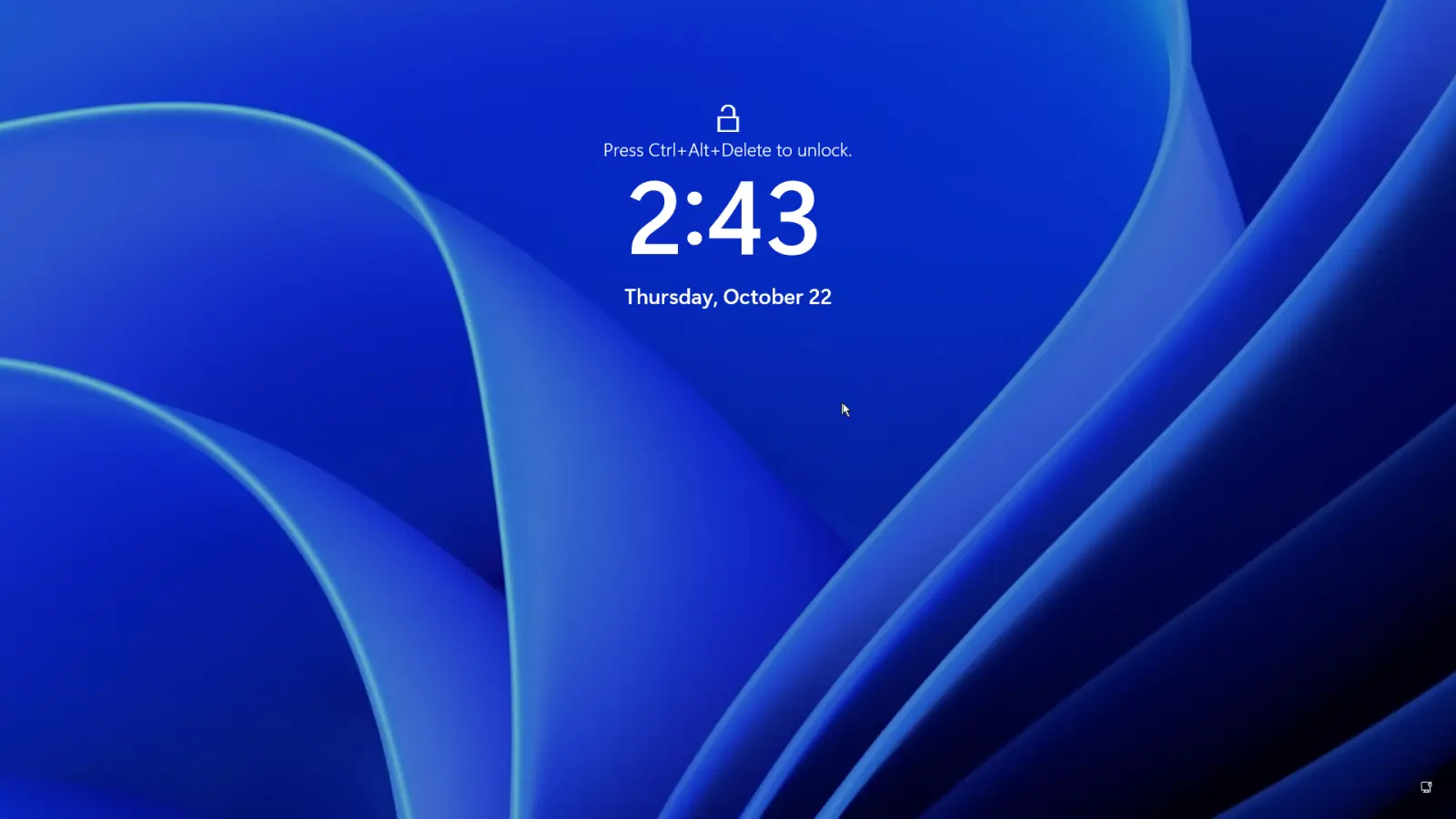
Ctrl+Alt+DelGoes to the machine on screen: Windows asks for its password, and the host keeps running.
Super+EscapeEvery key to the machine shown, Alt+Tab and the Windows key included; the same chord gives them back.
Super+dragMove a window from anywhere in it; Super with the right button sizes it.
A Windows 11 machine full screen on a vmx, locked: Press Ctrl+Alt+Delete to unlock
Windows, locked
The same machine eleven seconds later, after Ctrl+Alt+Del on the host's keyboard: Windows asks admin for the password, and the host is still running
Ctrl+Alt+Del: Windows, not the host
stop 11 · anywhereVNC and RDP

The whole screen, anywhere

jewm serves the whole screen itself, the bar, menus, windows and machines with the keys and the pointer. On an appliance it listens on the machine alone, and xrdp offers the same screen as RDP, so any remote desktop client reaches it. The lock is what asks for the password, there as on the monitor.

A zxp's whole screen in a remote desktop window on another machine: the client's own title bar and toolbar around jewm's bar and the text console's four pools
capture · a zxp over RDP, in a window on another machine
stop 12 · in testingstill improving

Still improving

jewm is young: it first shipped with the first vmx images, in October 2026, and it changes with every release, which reaches it as the whole system does, signed and with a way back. What it does not do yet, said plainly:

One fingerTouch follows one finger: no pinch and no two-finger scroll yet.
Pasting into Wayland guestsSuper+v reaches a machine running an X11 session; a Wayland session in a machine takes nothing from it yet.
One machine heardOnly the machine on screen plays its sound.
stop 13 · arriveget jewm

It comes with the appliance

jewm is not installed on its own: it is the screen of vmx and zxp, in their signed system images. Get the appliance, and it is what you see.

vmx

The hypervisor: many computers in one box, every machine on one screen.

vmx →

zxp

The storage server: every pool on one screen.

zxp →
zettarack.com · website designed by North Star